How to Speed Up Bitcoin Node Sync?
June 14, 2026 · chainstate.io
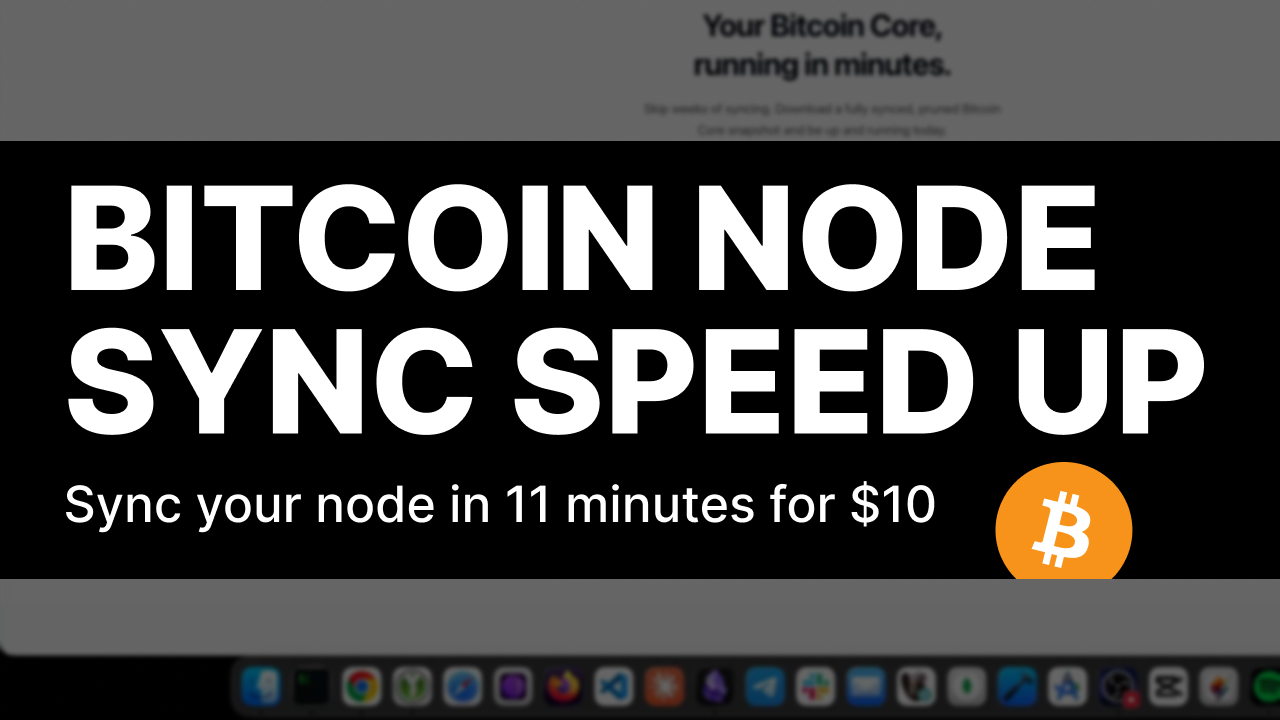
Syncing a Bitcoin node from scratch can take half a day, even on fast hardware. Here's how to get the official Bitcoin Core node, version 31.0, fully synced on macOS in under 11 minutes using a pre-synced snapshot.
Install Bitcoin Core
- Download Bitcoin Core from the official website, bitcoincore.org.
- Unpack the archive.
- Launch the node with its default settings.
Take note of the data directory the node uses. You'll need it in a minute. Once you've found it, close the node.
Buy a snapshot
Head to chainstate.io and buy a fully synced node snapshot for $10. Before you buy, make sure your connection is fast enough to pull down a snapshot of around 13 GB.
Fill in your card details and pay. Once the payment goes through, your download starts. For me it took about 7 minutes.
Swap in the snapshot
- Unpack the downloaded archive.
- Copy the two folders inside it:
blocksandchainstate. - Open the node's data directory and delete the existing
blocksandchainstatefolders. - Paste in the two folders from the snapshot.
Launch the node
Start the node again. It runs a quick verification of the blocks, then does a short sync to catch the handful of blocks from today that aren't in the snapshot yet.
And that's it. Fully synced in minutes instead of hours.